![Apollo_Logo_img only.png]](https://help.apollo.ai/hs-fs/hubfs/Apollo_Logo_img%20only.png?height=40&name=Apollo_Logo_img%20only.png)
The Apollo.ai mobile app enables you to quickly access all the information related to your meetings and decisions, anytime, anyywhere.
The interface is comparable to the web version of the platform. Keep reading to learn more about the main differences in terms of navigation and options.
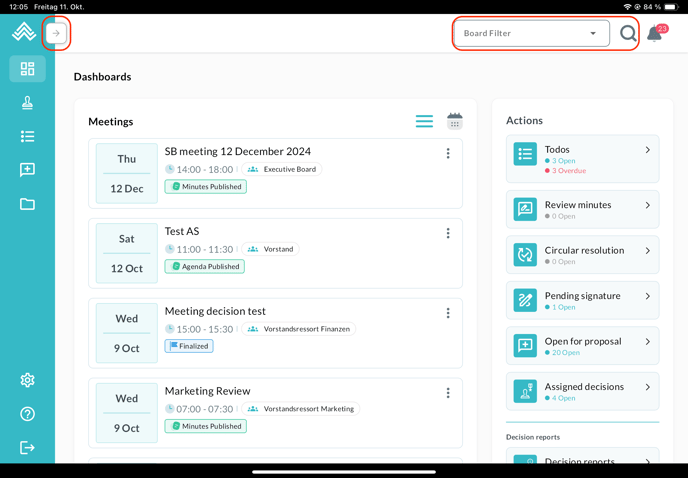
You can expand the menu column on the left by clicking on the arrow symbol. The board filter (in case you are a member of more than one board) can be found in the top-right corner throughout the app:
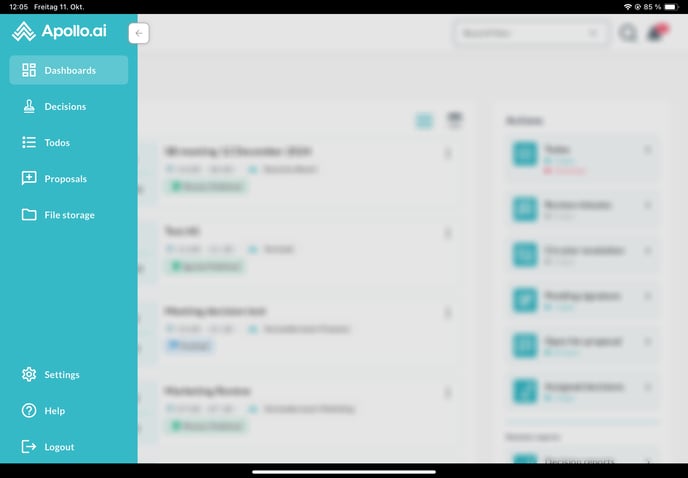
The expanded menu column shows the item names next to the respective symbols:
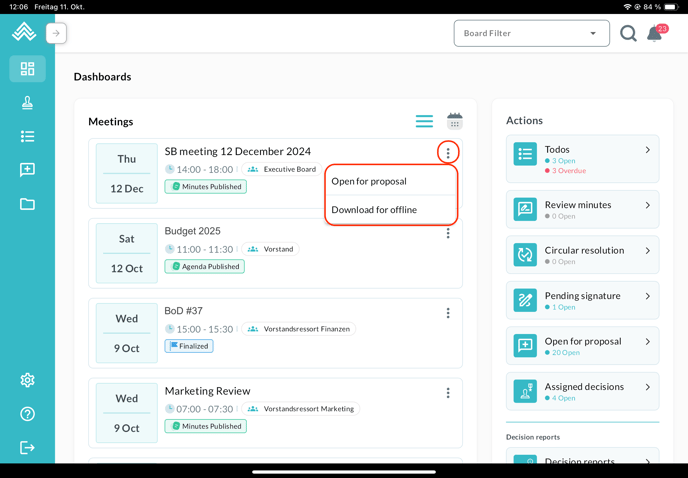
In the main dashboard, by clicking on the three dots next to any meeting you can access the options 'Open for proposal' (to submit an agenda item proposal, if this setting is enabled by the admin) and 'Download for offline' (to download the meeting information to your device so you can access it anytime during your business trips by simply opening the app, even without internet connection):
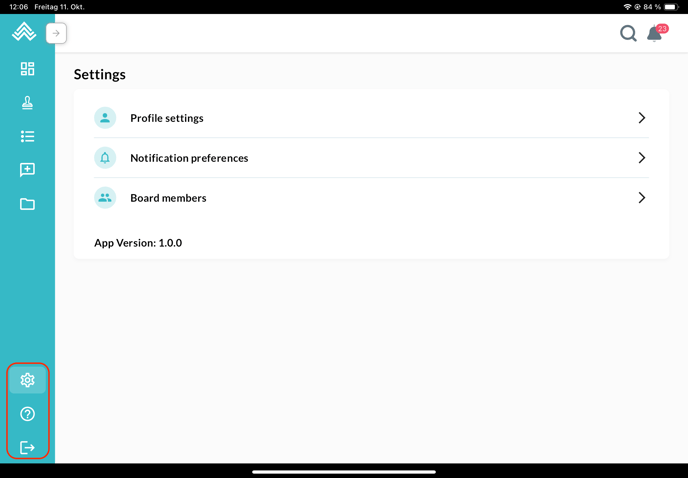
The settings, support, and logout buttons can be found in the menu column on the left at the very bottom:
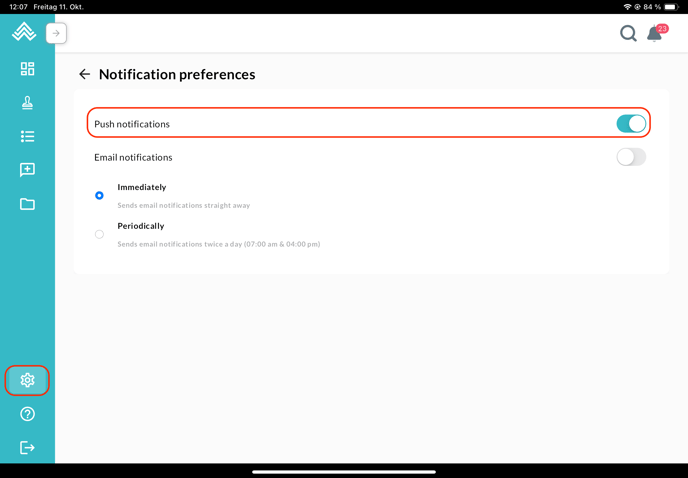
You can switch on or off the push notifications to your tablet or phone through the corresponding setting: