![Apollo_Logo_img only.png]](https://help.apollo.ai/hs-fs/hubfs/Apollo_Logo_img%20only.png?height=40&name=Apollo_Logo_img%20only.png)
When a Board Organizer requests feedback on a meeting agenda, you are notified automatically:
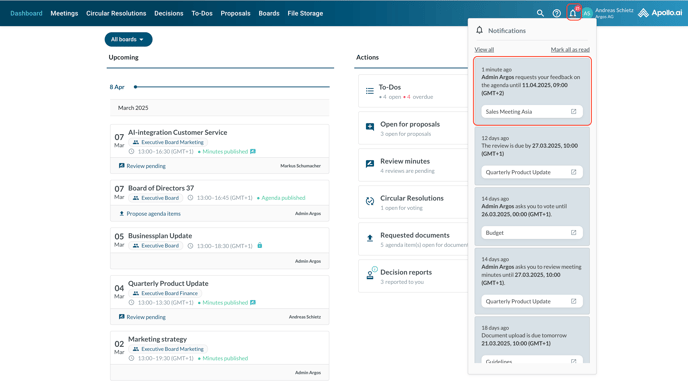
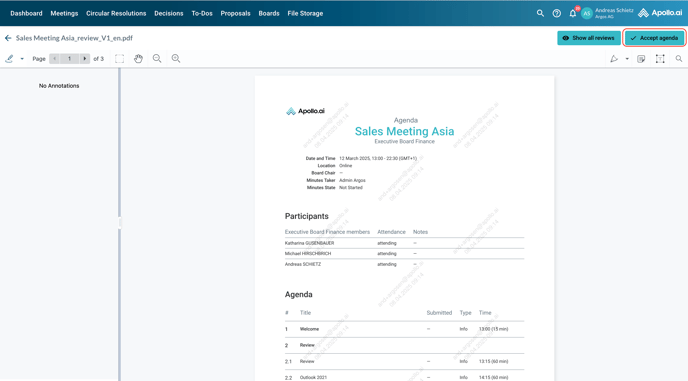
Click on the notification to be redirected to the agenda viewer in PDF format. Use the toolbox to add your comments and click on 'Show all reviews' to view other Board Members' reviews, if any:
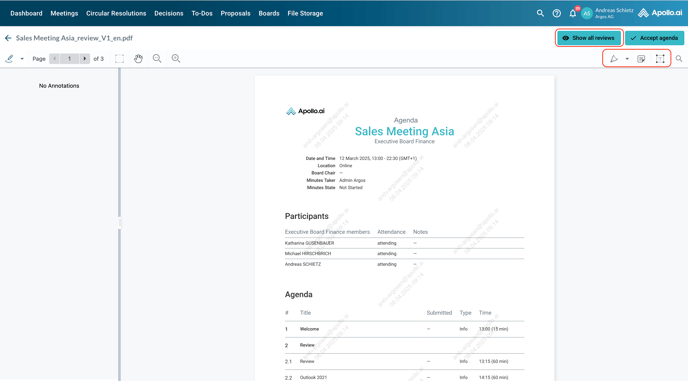
If you do not deem any changes necessary, click on 'Accept agenda' to accept the current version without any comments:
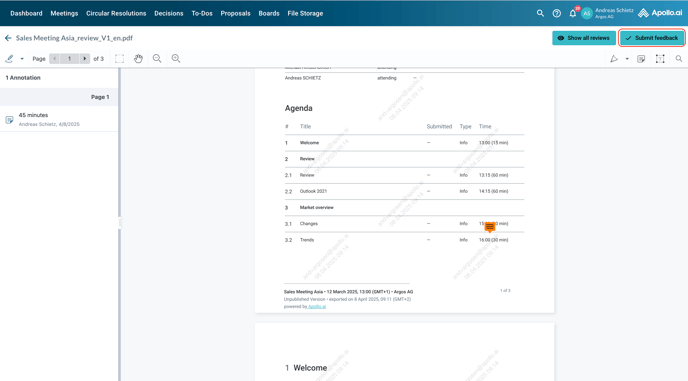
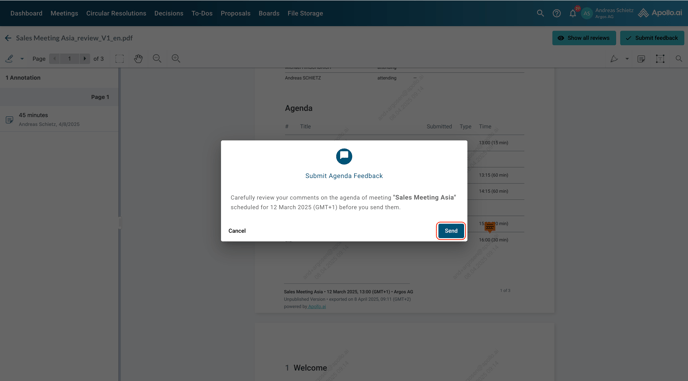
Once done, click on 'Submit feedback' and confirm the process: