![Apollo_Logo_img only.png]](https://help.apollo.ai/hs-fs/hubfs/Apollo_Logo_img%20only.png?height=40&name=Apollo_Logo_img%20only.png)
You can sign the meeting minutes to officially approve them. As soon as the Board Organizer requests you to do so, you will see the pending signature in your action cards:
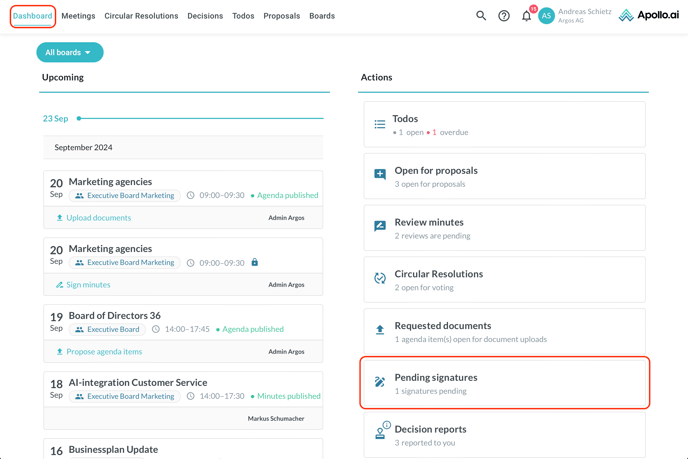
When you click on the card, you are redirected to the "Meetings" tab, filtered by "Your pending signatures":
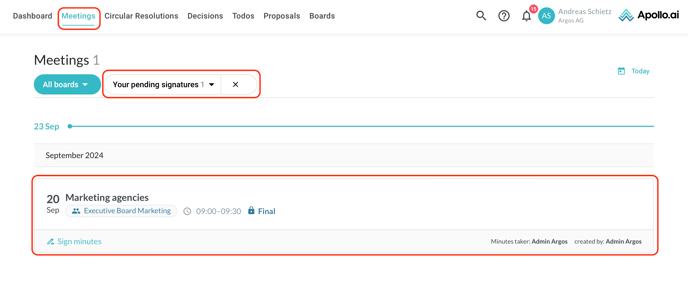
Choose a meeting from the list, then click on "Sign minutes" in the top-left corner:
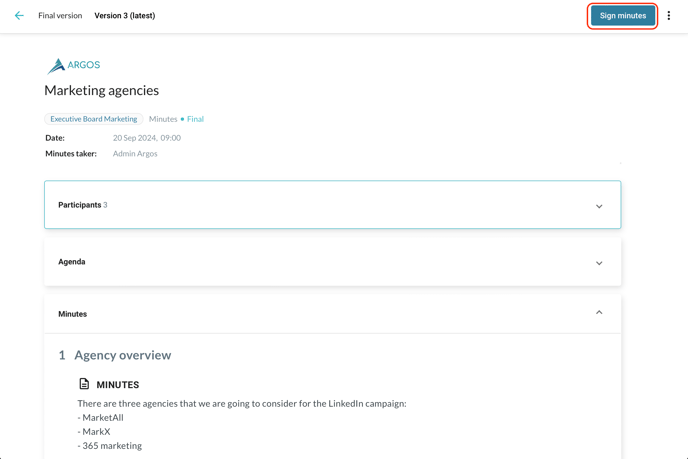
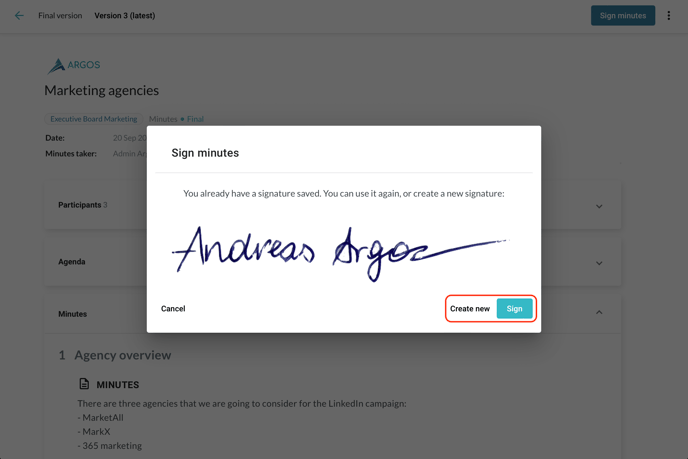
You can choose whether to create a new signature or to use the existing one:
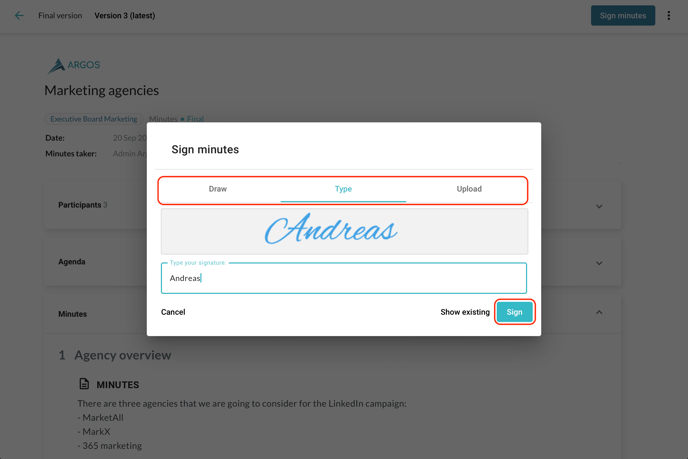
If you choose to create a new signature, you will have to pick whether to draw, type, or upload it next:
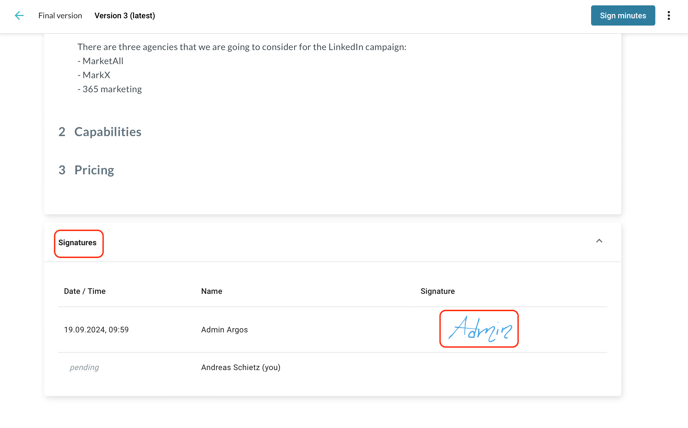
All stored signatures are visible in the "Signatures" section of the meeting: