![Apollo_Logo_img only.png]](https://help.apollo.ai/hs-fs/hubfs/Apollo_Logo_img%20only.png?height=40&name=Apollo_Logo_img%20only.png)
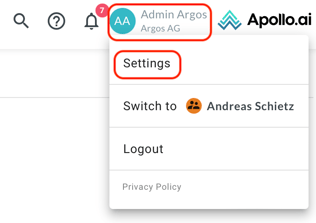
Users with the "Board Organizer" role can export the documents generated in Apollo.ai. Click on your profile icon in the top-right corner, then on "Settings":
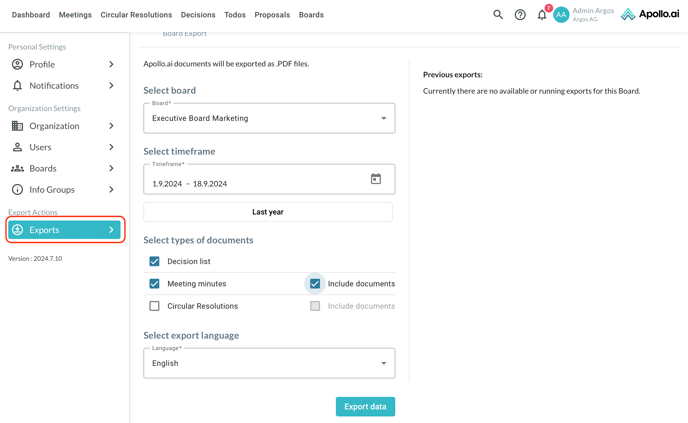
Navigate to "Exports" in the left column:
Finalized minutes and circular resolutions as well as decision lists from a specific board can be downloaded as PDF documents for the desired timeframe and in the selected language (English or German). If you select the document type "decision list", all meeting decisions and circular resolutions created in Apollo.ai will be exported. You can also decide whether or not to include the related attachments in the export:
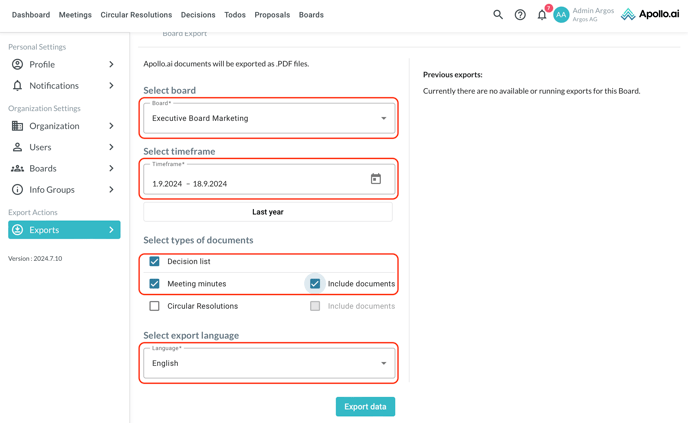
You can see any past exports in the column "Previous exports" on the right:
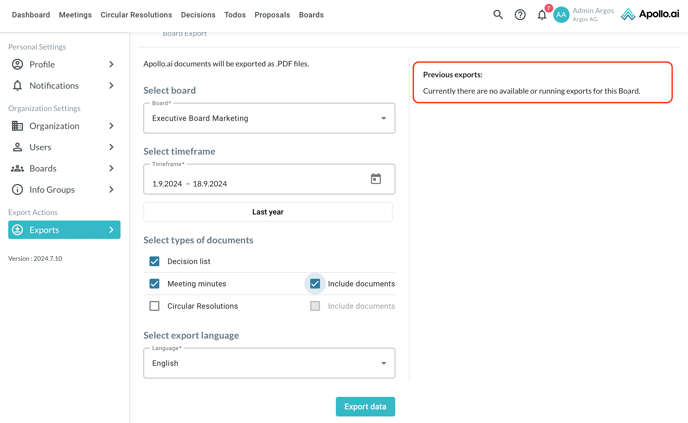
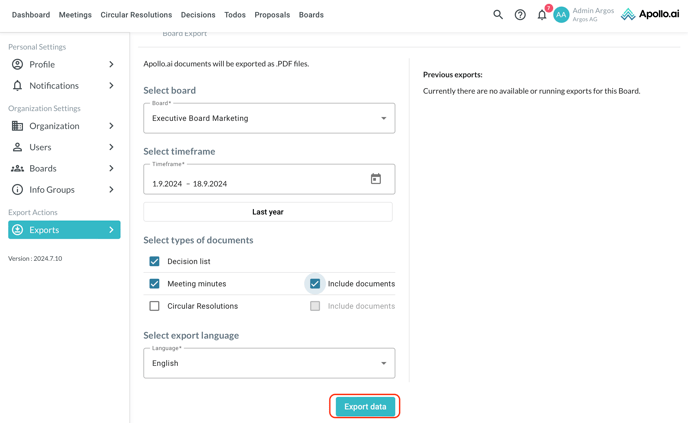
Once ready, click on "Export data" at the bottom: