![Apollo_Logo_img only.png]](https://help.apollo.ai/hs-fs/hubfs/Apollo_Logo_img%20only.png?height=40&name=Apollo_Logo_img%20only.png)
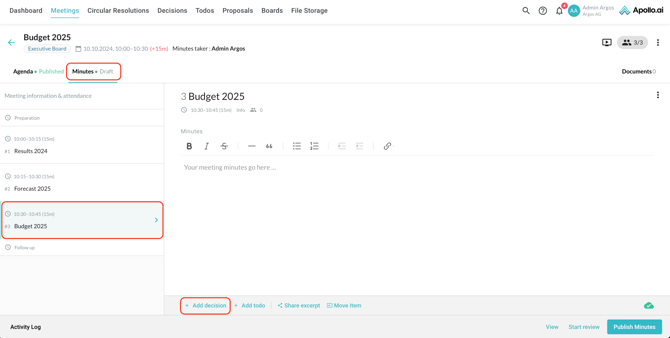
In the meeting minutes editor, make sure the correct agenda item for the voting is selected, then click on "Add decision" at the bottom:
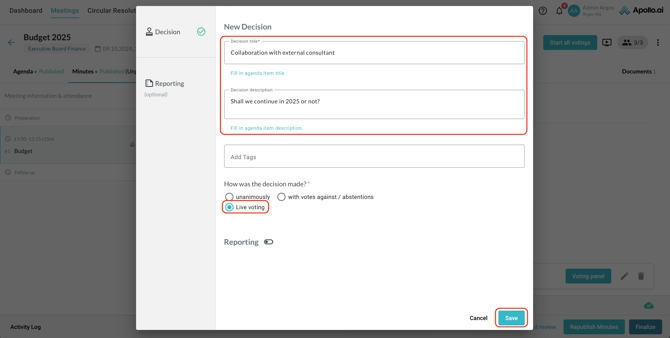
Add a title and description as well as one or more tags if needed, then select 'Live voting' as decision mode and save:
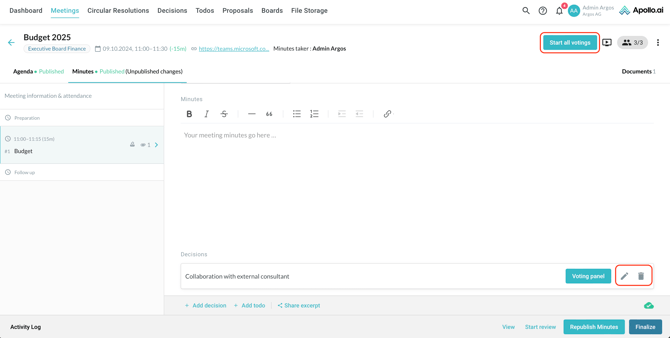
You can now edit or delete the live decision at the bottom if needed or start the live voting through the button at the top of the screen:
You can view the voting status in real time through the voting panel:
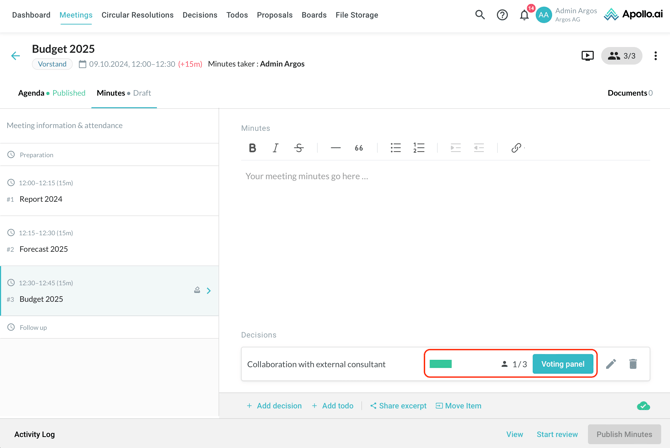
Click on 'Voting panel' to view the full details and finalize the status of the decision:
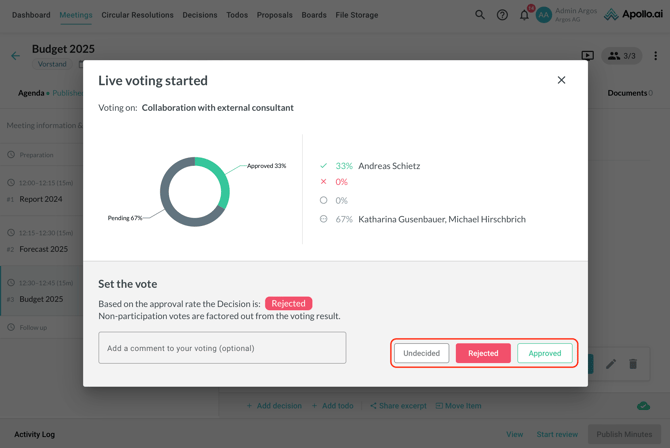
Confirm the final status to proceed:
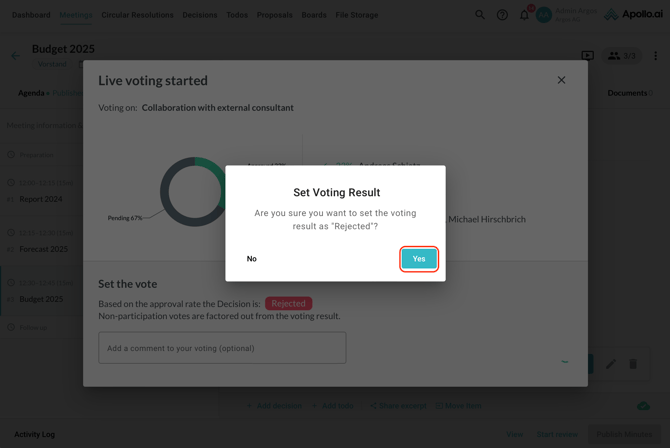
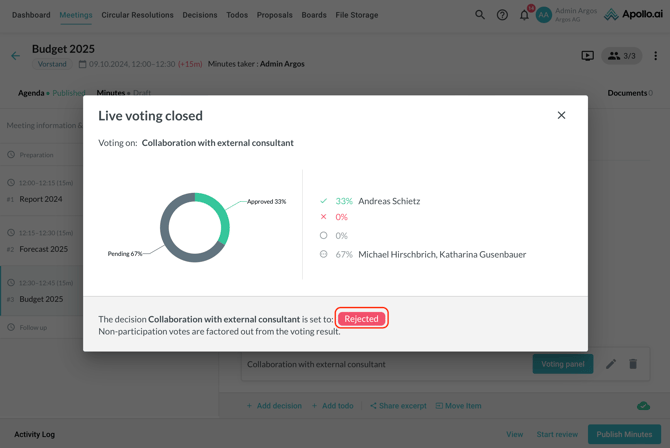
The final result can now be viewed in the voting panel: