![Apollo_Logo_img only.png]](https://help.apollo.ai/hs-fs/hubfs/Apollo_Logo_img%20only.png?height=40&name=Apollo_Logo_img%20only.png)
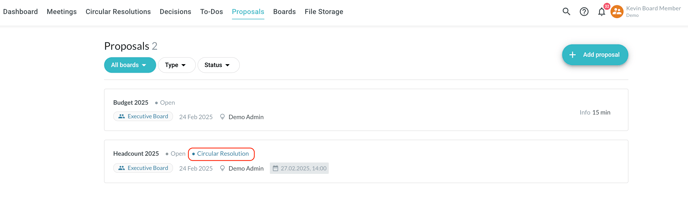
In the overview in the 'Proposals' tab, circular resolution proposals are marked accordingly in order to differentiate them from agenda item proposals:
Every time an agenda item proposal is submitted, you receive a notification:
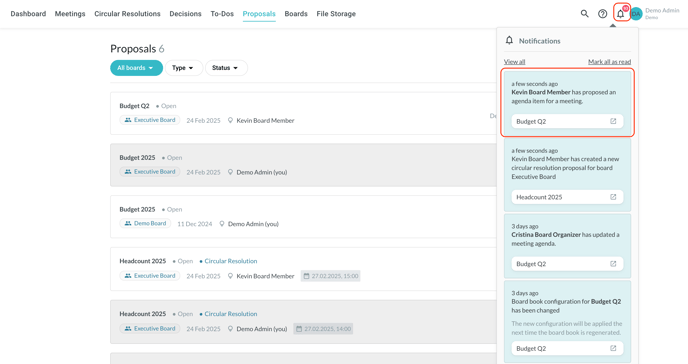
On the overview page, the proposals already viewed have a grey background, while those not viewed yet have a white background.
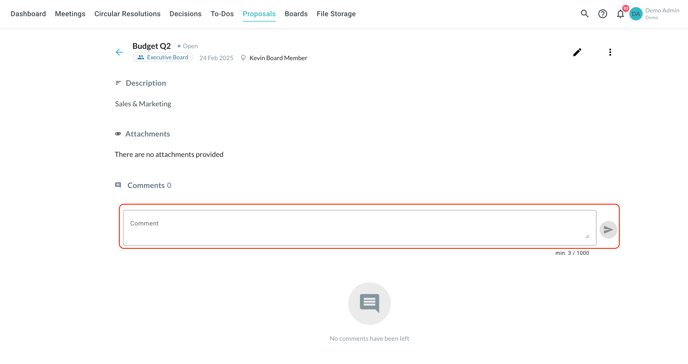
Click on a proposal to view the details and comment on it:
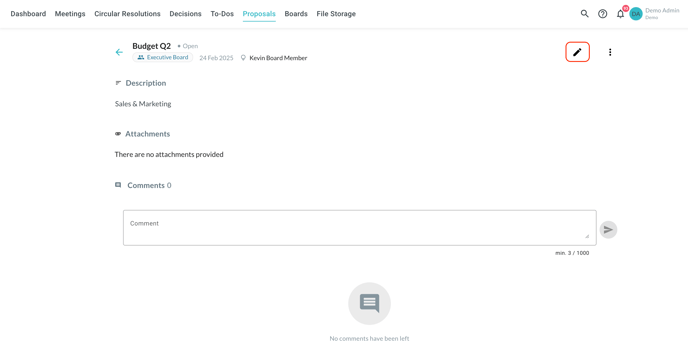
Click on the 'Edit' symbol in the top-right corner to edit the details of the proposal:
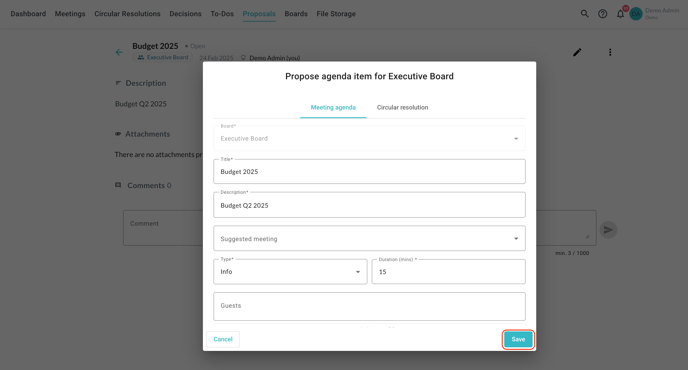
Carry out your changes and save through the button in the bottom-right corner:
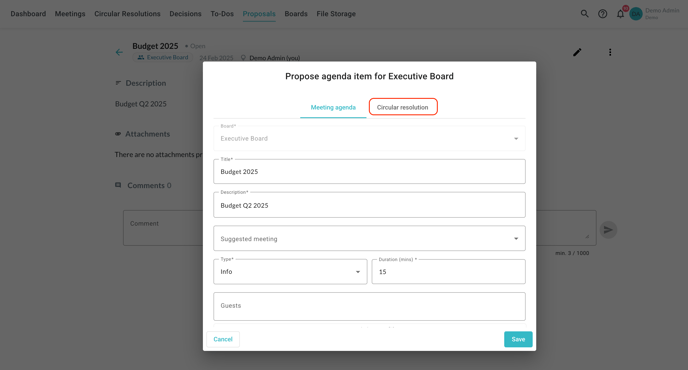
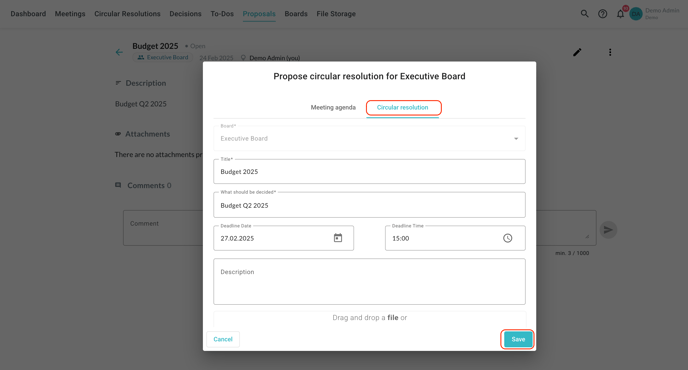
To convert an agenda item proposal into a circular resolution proposal, switch to the 'Circular resolution' tab at the top of the form, carry out the necessary changes and save. All the details are carried over automatically:
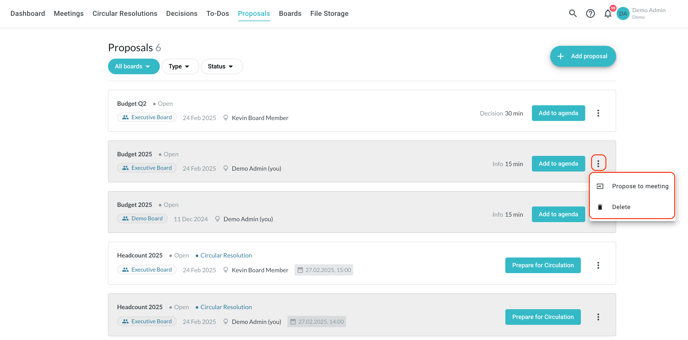
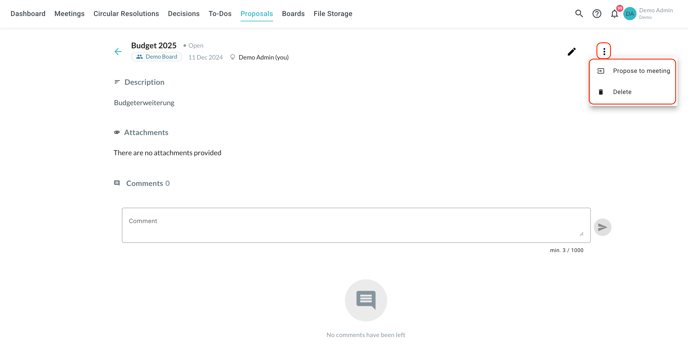
When reviewing an agenda item proposal, you can use the three-dot button in the top-right corner to either move the proposal to a meeting agenda (simply select a future meeting from the list) or delete it if not suitable:
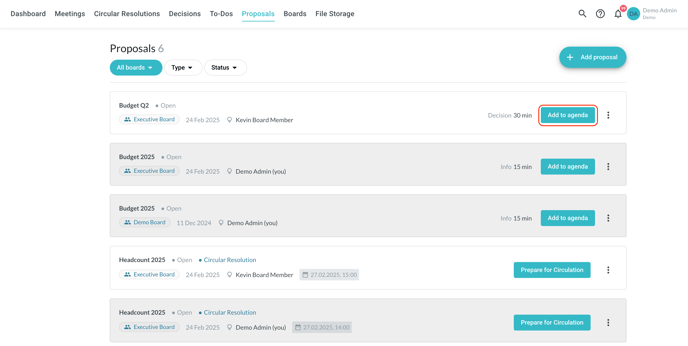
You have access to the same options in the 'Proposals' tab as well, directly in the overview: