![Apollo_Logo_img only.png]](https://help.apollo.ai/hs-fs/hubfs/Apollo_Logo_img%20only.png?height=40&name=Apollo_Logo_img%20only.png)
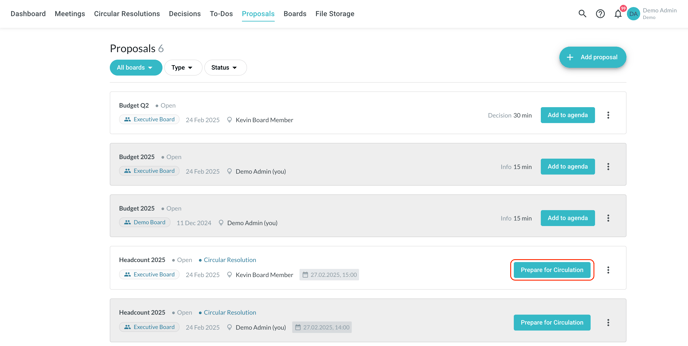
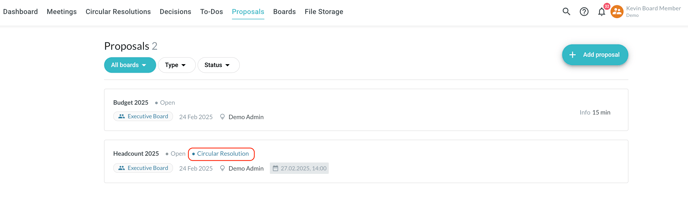
In the overview in the 'Proposals' tab, circular resolution proposals are marked accordingly in order to differentiate them from agenda item proposals:
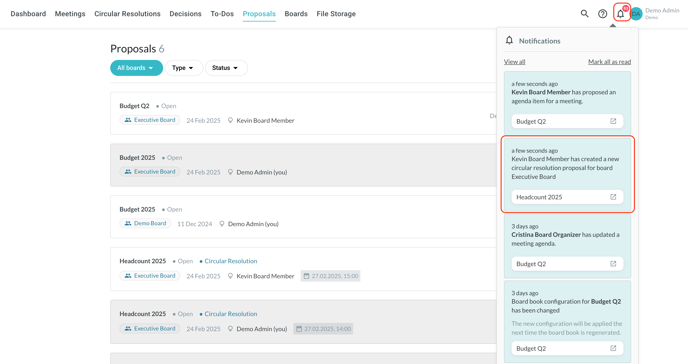
Every time a proposal is submitted, you receive a notification:
On the overview page, the proposals already viewed have a grey background, while those not viewed yet have a white background.
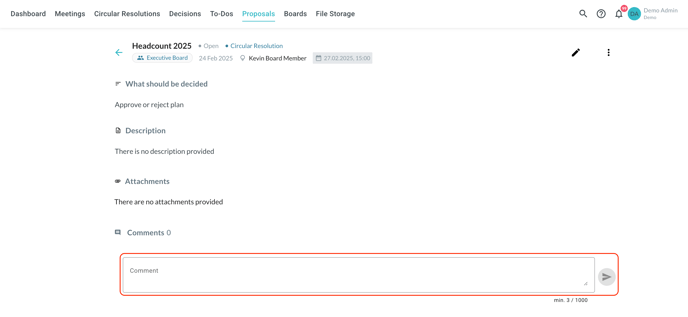
Click on a proposal to view the details and comment on it:
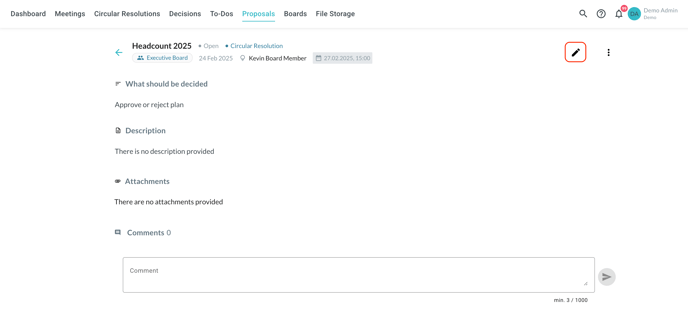
Click on the 'Edit' symbol in the top-right corner to edit the details of the proposal:
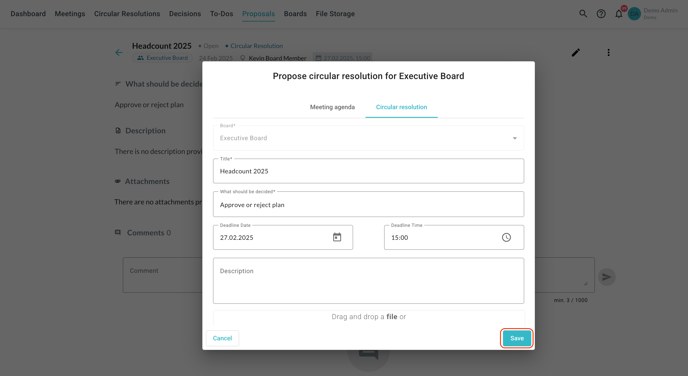
Carry out your changes and save through the button in the bottom-right corner:
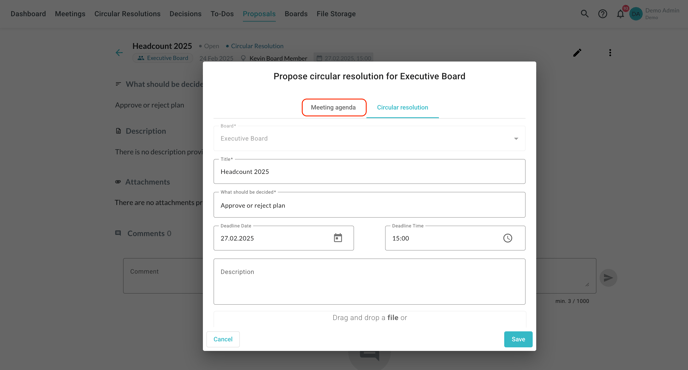
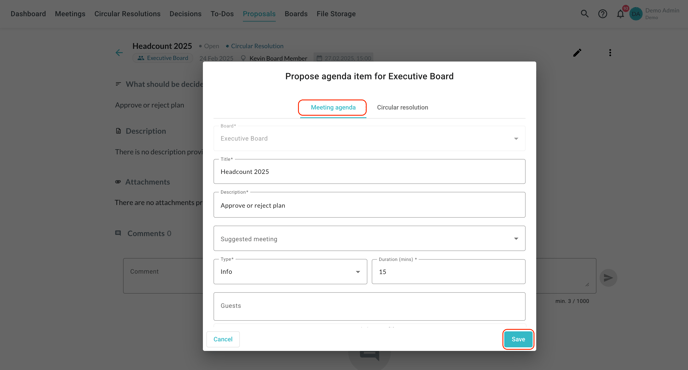
To convert a circular resolution proposal into an agenda item proposal, switch to the 'Meeting agenda' tab at the top of the form, carry out the necessary changes and save. All the details are carried over automatically:

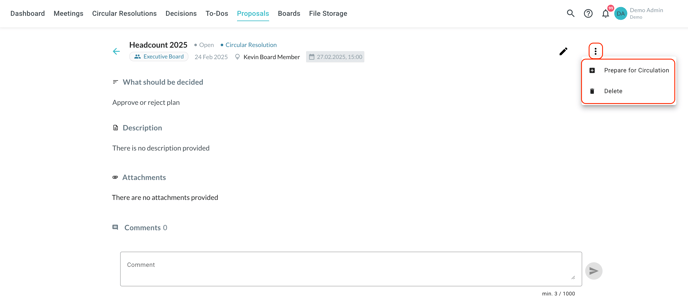
When reviewing a circular resolution proposal, you can use the three-dot button in the top-right corner to either prepare it for circulation (simply confirm the conversion to circular resolution in the pop-up window) or delete it if not suitable:
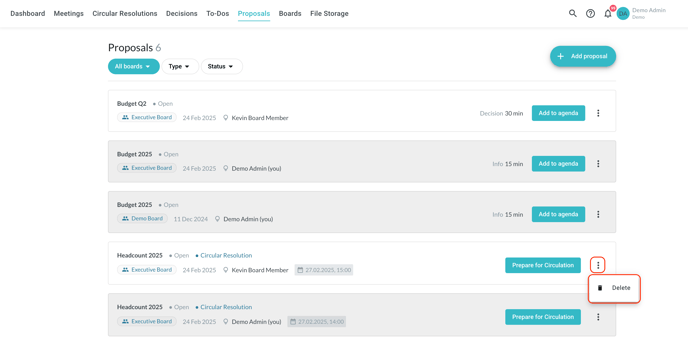
You have access to the same options in the 'Proposals' tab as well, directly in the overview: