![Apollo_Logo_img only.png]](https://help.apollo.ai/hs-fs/hubfs/Apollo_Logo_img%20only.png?height=40&name=Apollo_Logo_img%20only.png)
When you start the presentation mode, you are redirected to a view that allows you to better follow and present integrated presentations (PDFs):
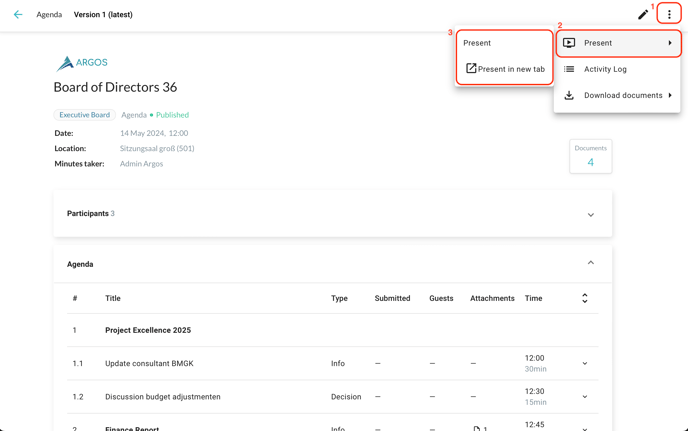
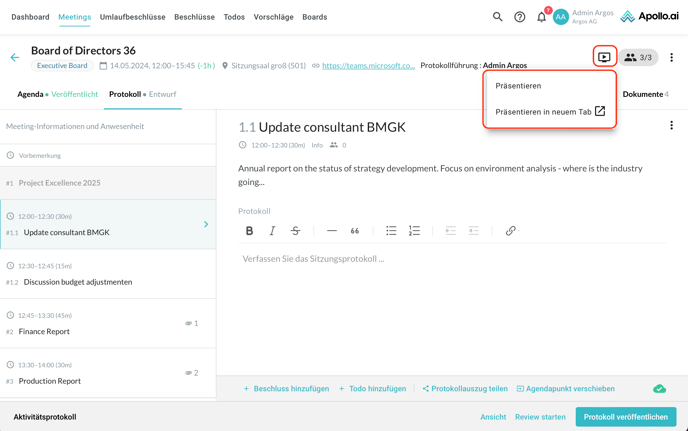
If you are a Board Organizer, you can open the presentation mode directly from the minutes editor, by clicking on the "play" symbol in the top-right corner. We recommend opening the presentation in a new tab, in order to be able to share the presentation and log the meeting minutes at the same time:
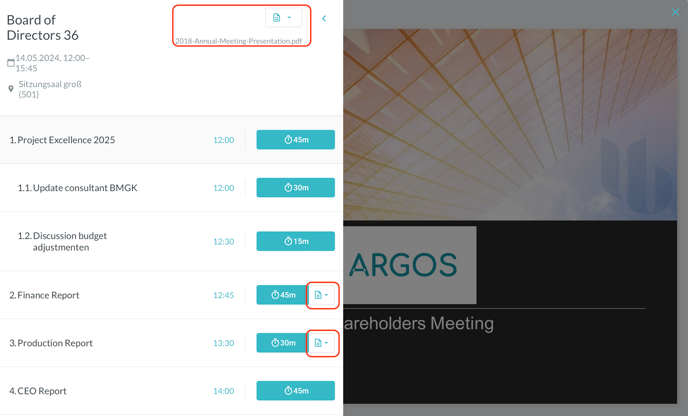
While in presentation mode, you can view the documents concerning the whole meeting at the top, next to the meeting title, whereas the presentations created for individual agenda items are visible next to the respective item:
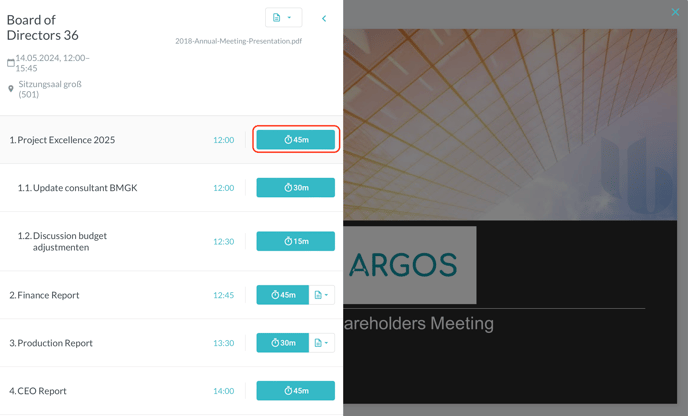
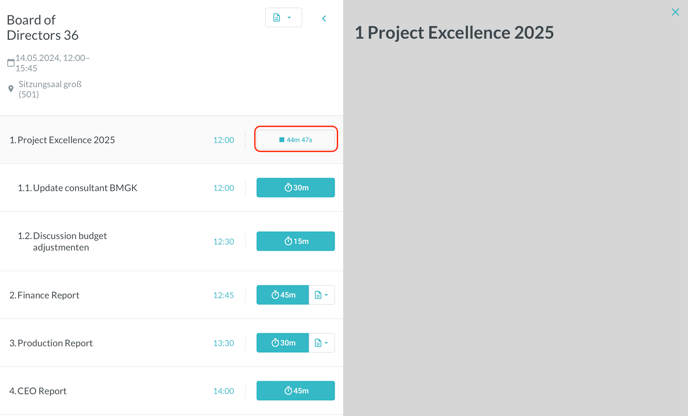
You can also start a timer for each agenda item individually by clicking on the clock symbol, to make sure the presenters stick to the timetable during the meeting:
To facilitate overall time management, a timer for the whole meeting is shown at the bottom: