![Apollo_Logo_img only.png]](https://help.apollo.ai/hs-fs/hubfs/Apollo_Logo_img%20only.png?height=40&name=Apollo_Logo_img%20only.png)
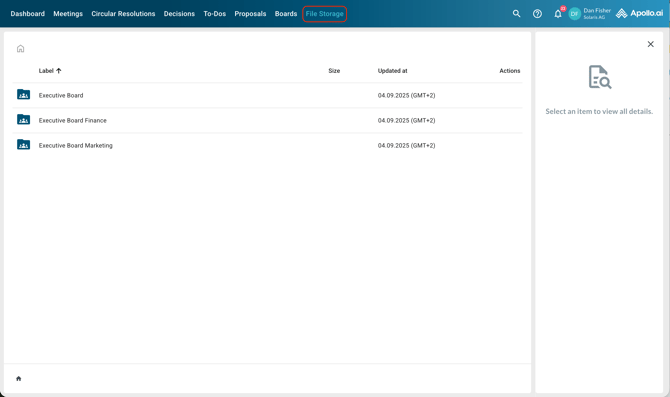
Open the 'File storage' tab from the main menu:
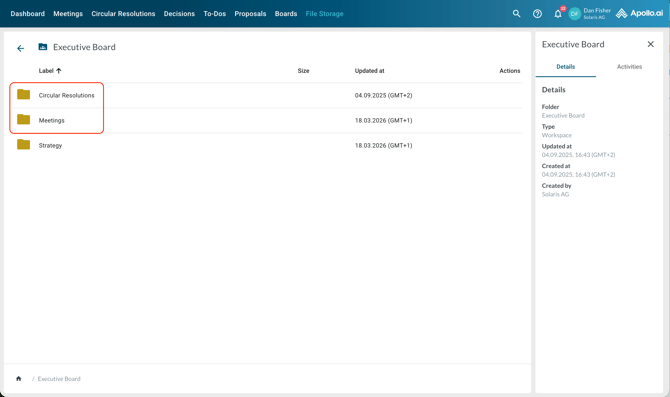
Open the desired board folder (double click). The 'Meetings' and 'Circular resolutions' folders are created and maintained by the system for every board. They include the related system-generated PDFs and any uploaded attachments:
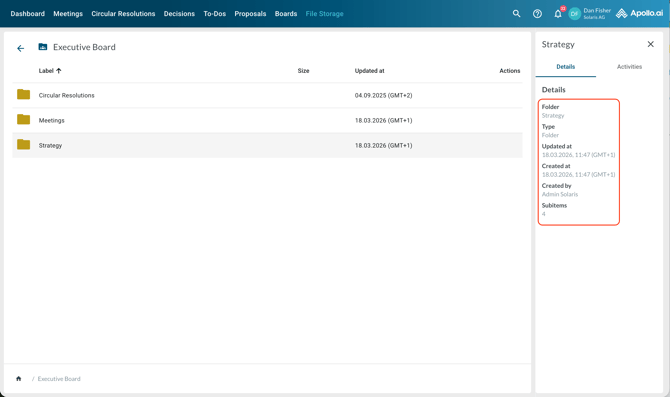
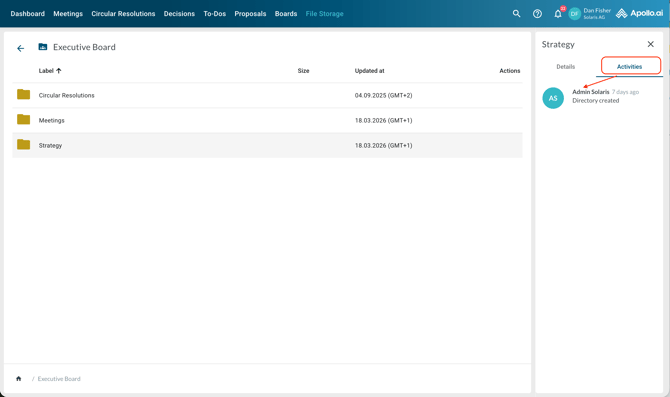
Select a file or folder (single click) to view all details in the sidebar:
Switch to 'Activities' in the sidebar to view the activity log of the selected item:
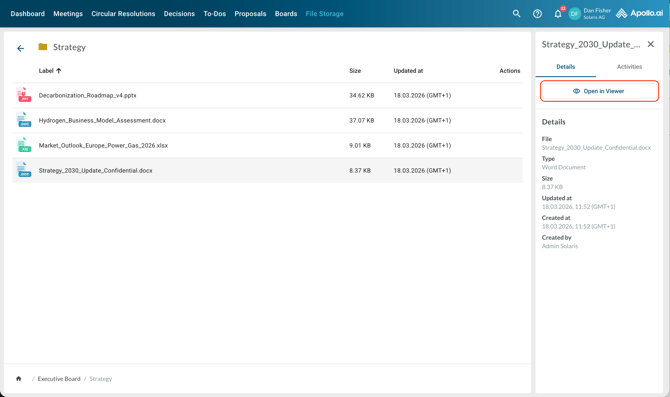
Double-click on files or folders to open them. When a file is already selected, you can also use the button 'Open in viewer' in the sidebar to open it:
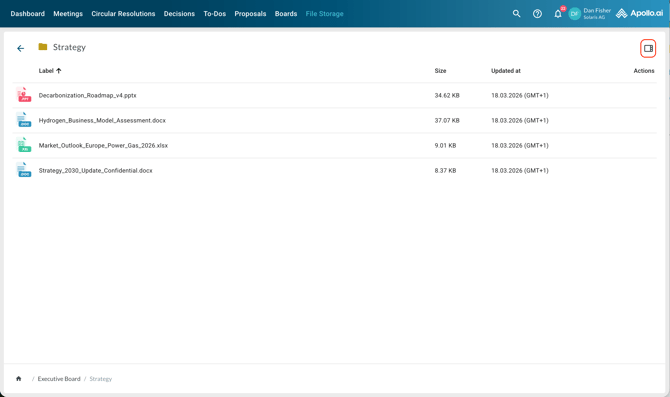
If the sidebar is hidden, you can unhide it using the corresponding button in the top-right corner:
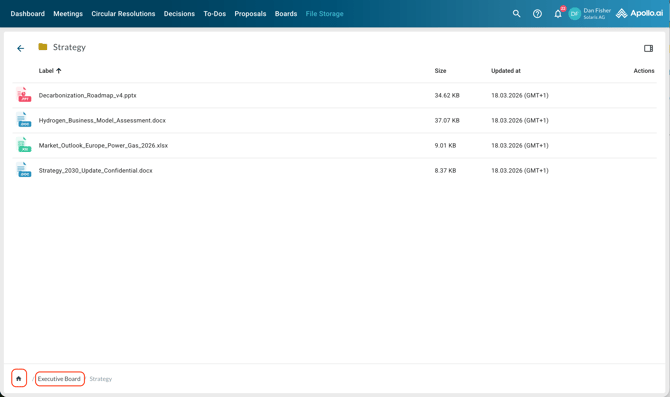
Click on a folder or on the home button in the path at the bottom to go back to the desired folder or to the file storage homepage: