![Apollo_Logo_img only.png]](https://help.apollo.ai/hs-fs/hubfs/Apollo_Logo_img%20only.png?height=40&name=Apollo_Logo_img%20only.png)
The board book collects all the agenda items and attachments into one single pdf document, structured as follows:
- cover sheet with meeting date & time, participants, and agenda
- title and description of the first agenda item
- attachments to the first agenda item
- title and description of the second agenda item
- attachments to the second agenda item
- ...
Only the Board Organizer can compose the board book for the Board Members to access it.
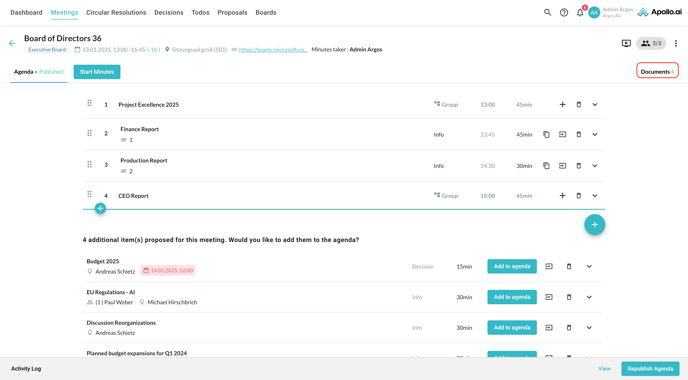
Once the agenda is ready and published, click on 'Documents' in the top-right corner of the agenda editor:
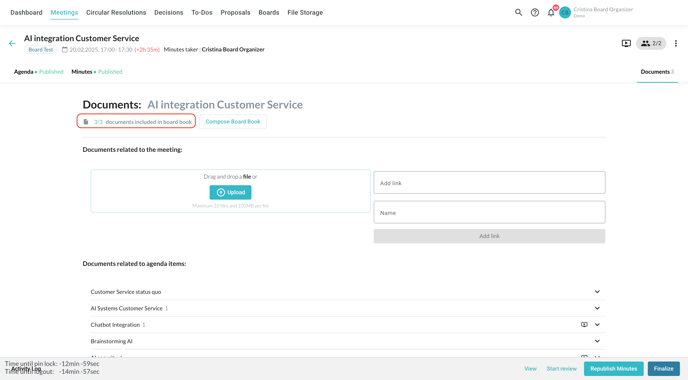
By default, all the meeting attachments are included in the board book:
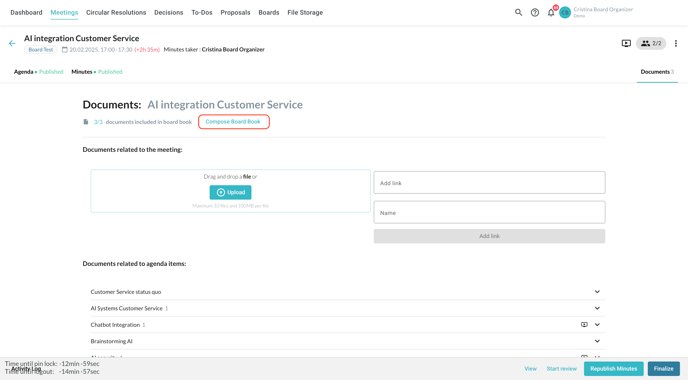
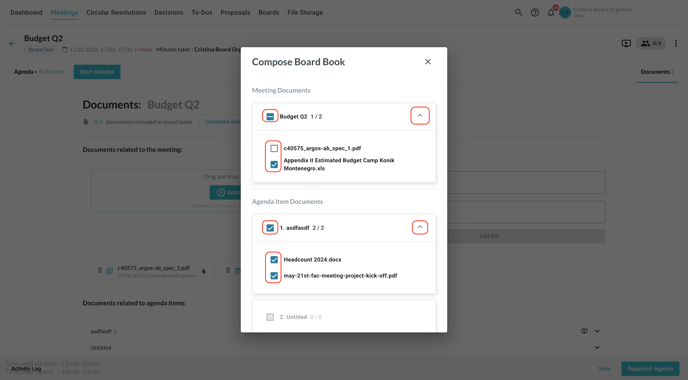
To exclude one or more attachments from the board book, click on 'Compose board book':
The documents related to the whole meeting are shown first, while the ones related to individual agenda items follow:
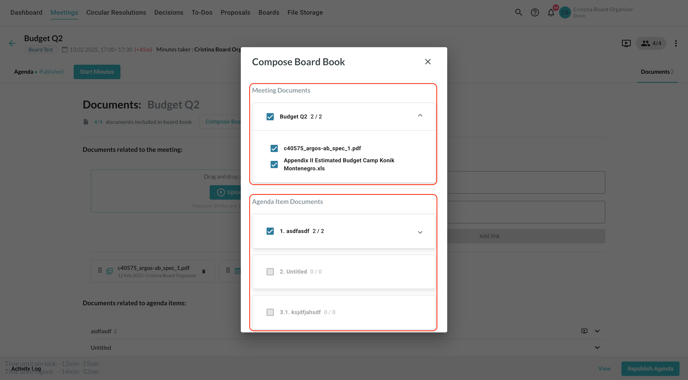
Expand the sections as needed through the arrows on the right. Select and deselect documents as required; the symbols next to each item are updated accordingly:
- a check mark if all agenda item attachments are selected
- a minus symbol if only part of the agenda item attachments are selected
- an empty check box if no agenda item attachments are selected
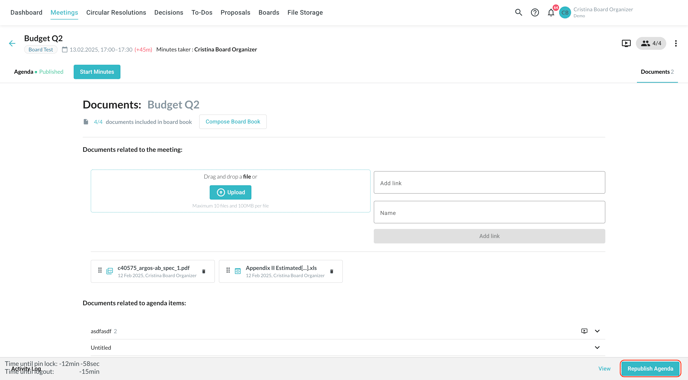
Publish the agenda once done to share the latest version of the board book with the Board Members:
Excluded board members only have access to the agenda items where they are not excluded.