![Apollo_Logo_img only.png]](https://help.apollo.ai/hs-fs/hubfs/Apollo_Logo_img%20only.png?height=40&name=Apollo_Logo_img%20only.png)
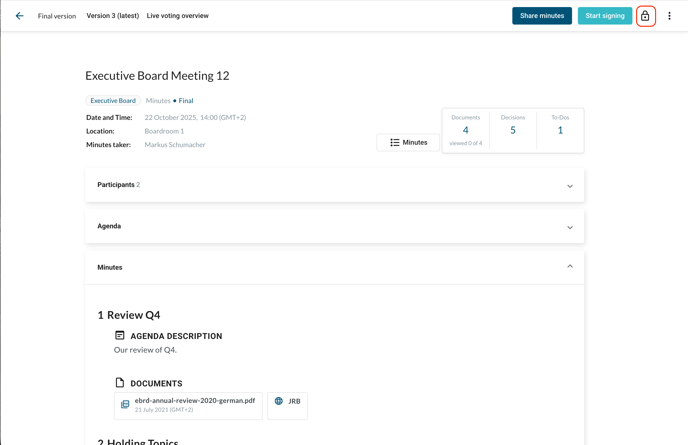
In exceptional cases, you may need to reopen a meeting that has already been finalised. To do this, simply click on the lock symbol in the top-right corner of the finalised meeting:
If you reopen the meeting, all participants are notified of this action and an entry is created in the meeting activity log. In addition, all signatures become obsolete and have to be recreated. You must confirm your action in order to proceed and you cannot proceed without notifying all the participants:
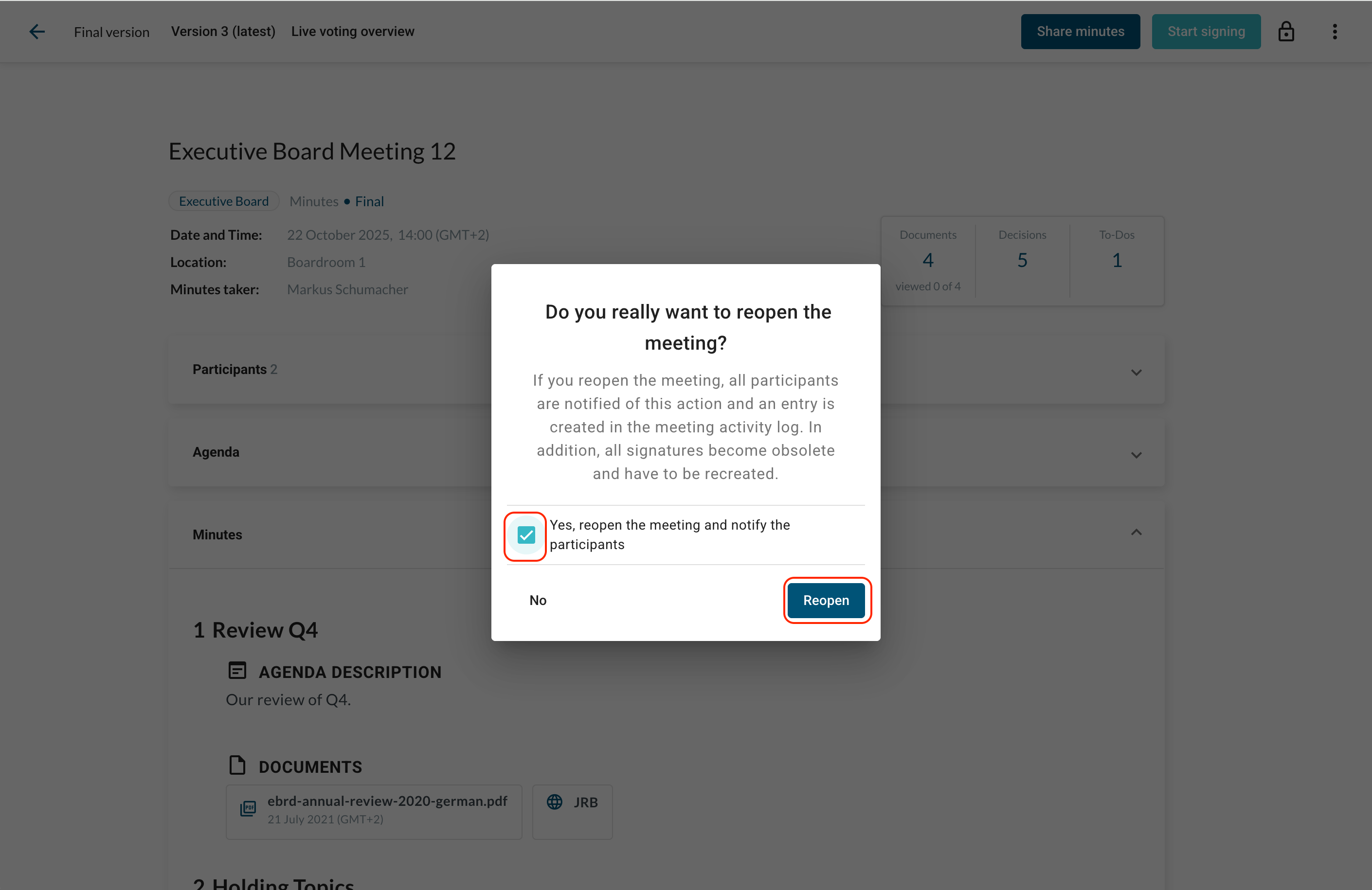
Your meeting is now reopened. You can publish a new version of the meeting minutes, start a new review, or finalise the meeting again.