![Apollo_Logo_img only.png]](https://help.apollo.ai/hs-fs/hubfs/Apollo_Logo_img%20only.png?height=40&name=Apollo_Logo_img%20only.png)
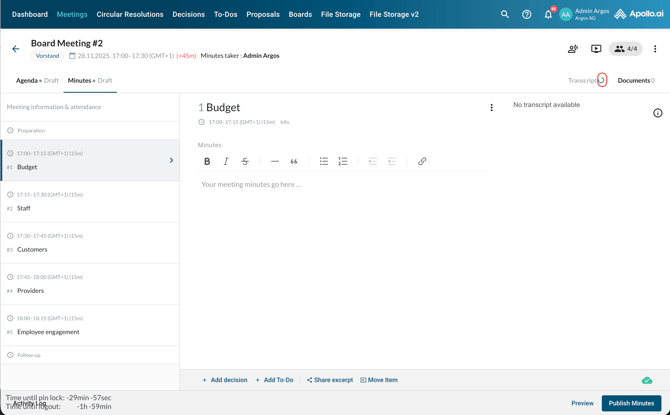
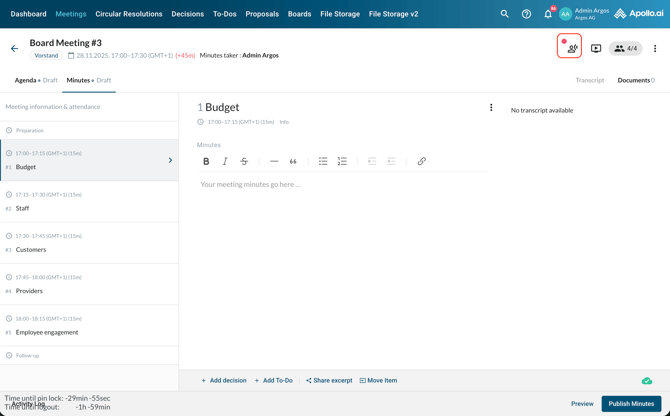
In the minutes editor, click on the transcript icon in the top-right corner:
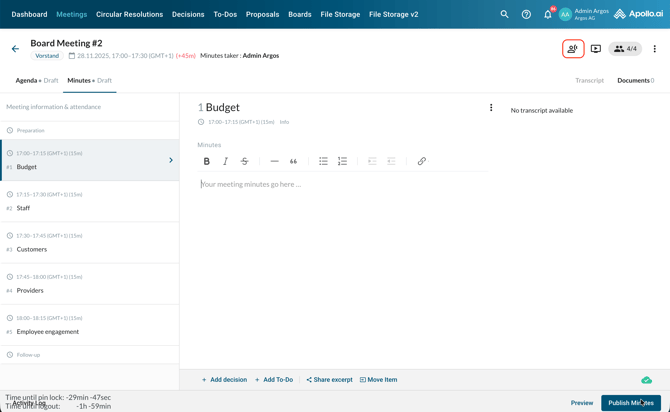
You can either upload an existing recording file or invite the AI bot to your online/hybrid call.
Option 1: Upload an existing recording file
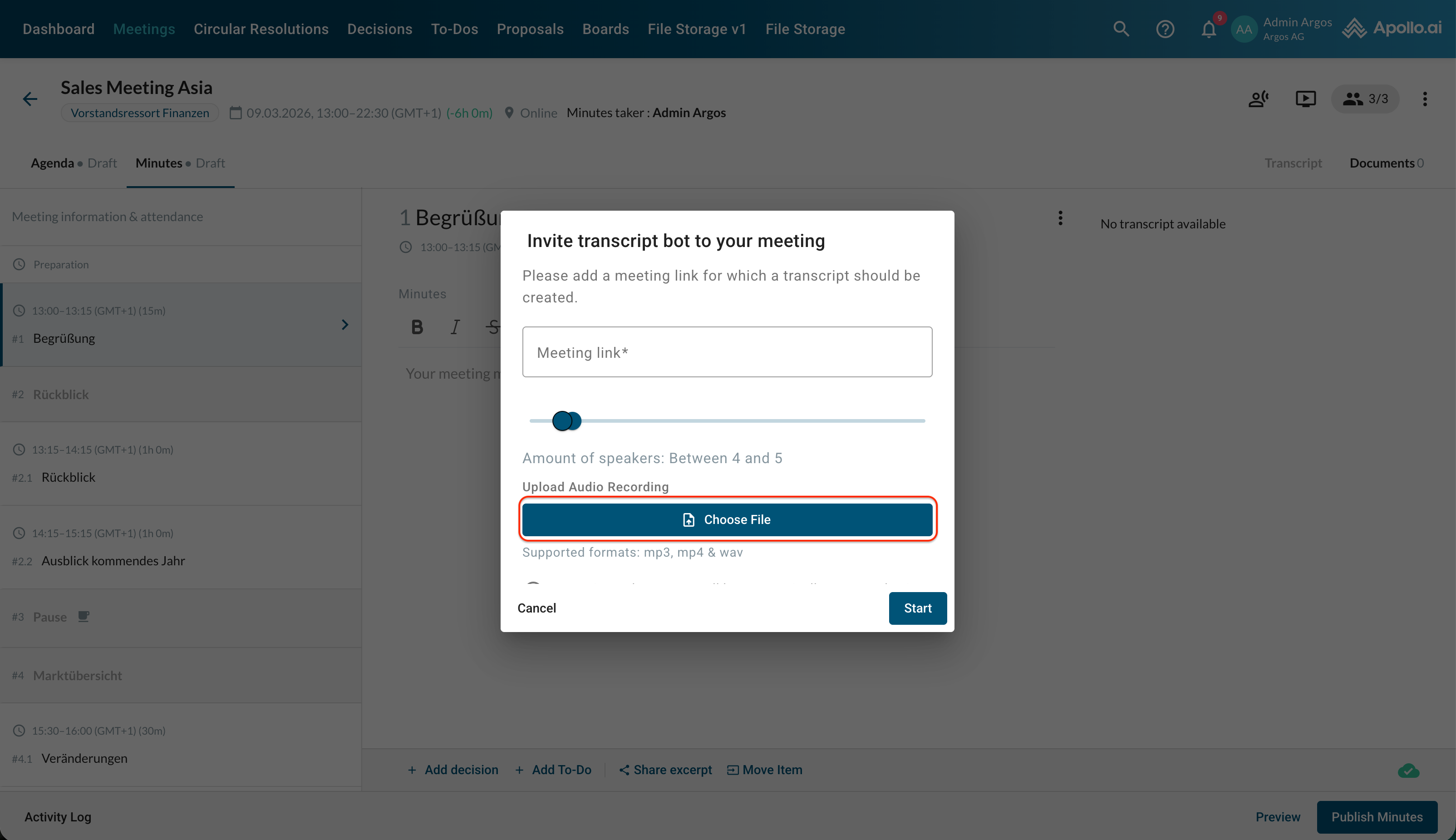
Click on "Choose file" and pick the audio file from your computer:
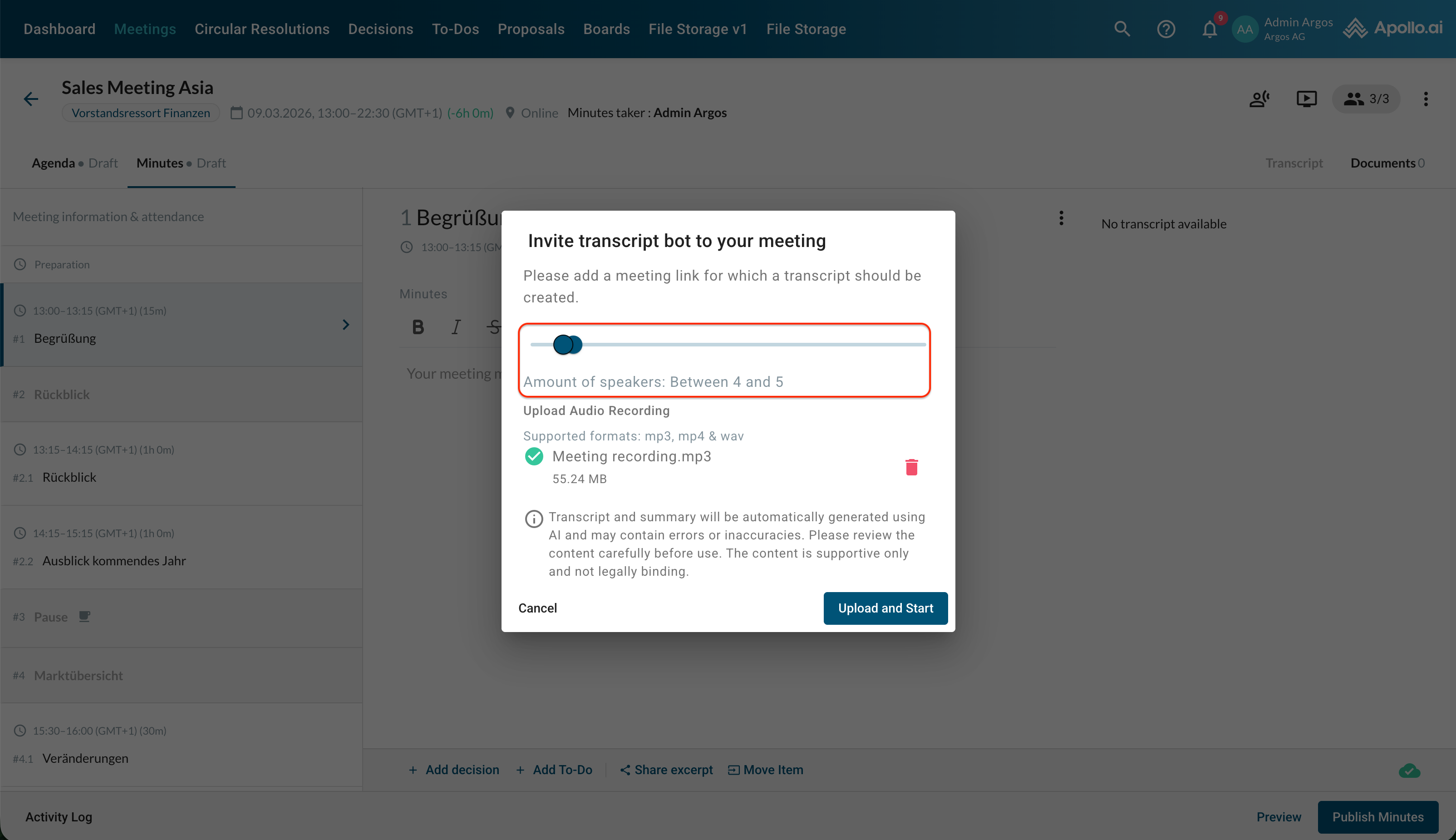
Adjust the number of expected speakers by moving the blue slider handles. The closer the number of speakers matches the actual participants, the more accurate the AI speaker recognition will be:
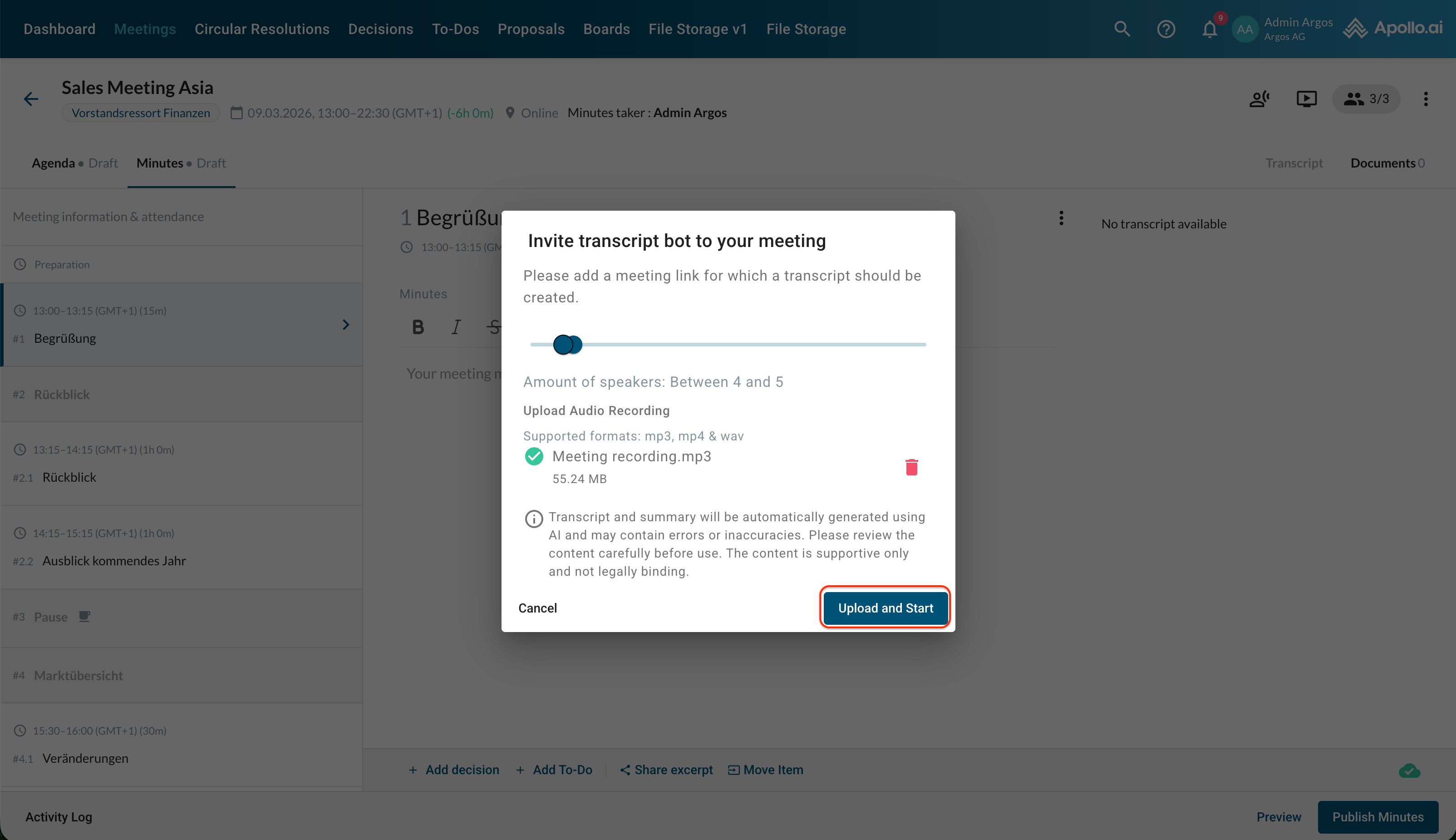
Verify your input and confirm the process:
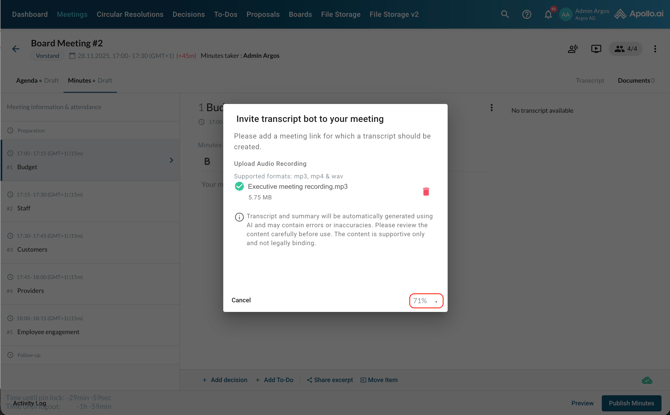
The upload and transcription process starts and you can follow the progress through the respective icons:
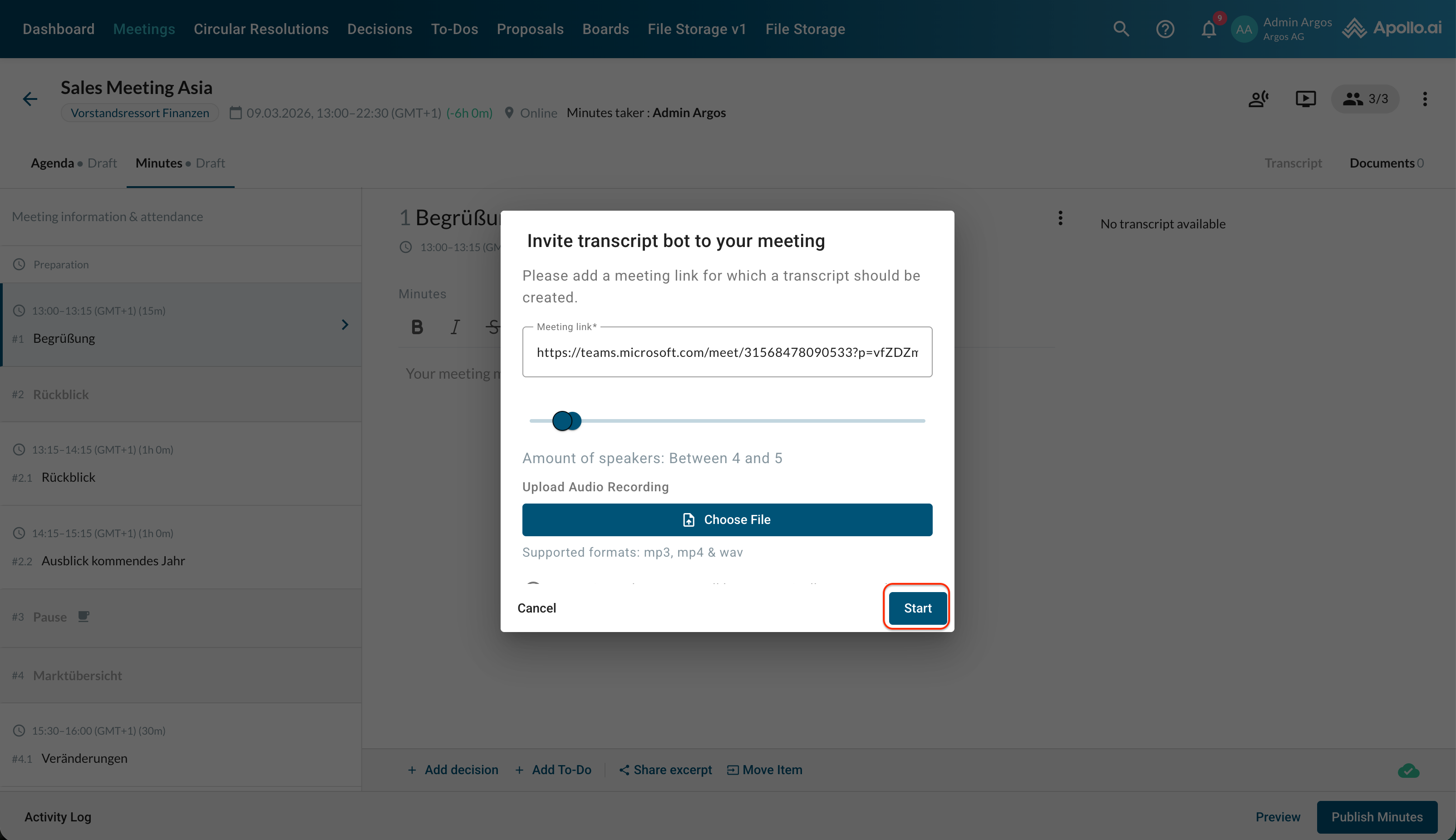
Option 2: Invite the AI bot to your online/hybrid call
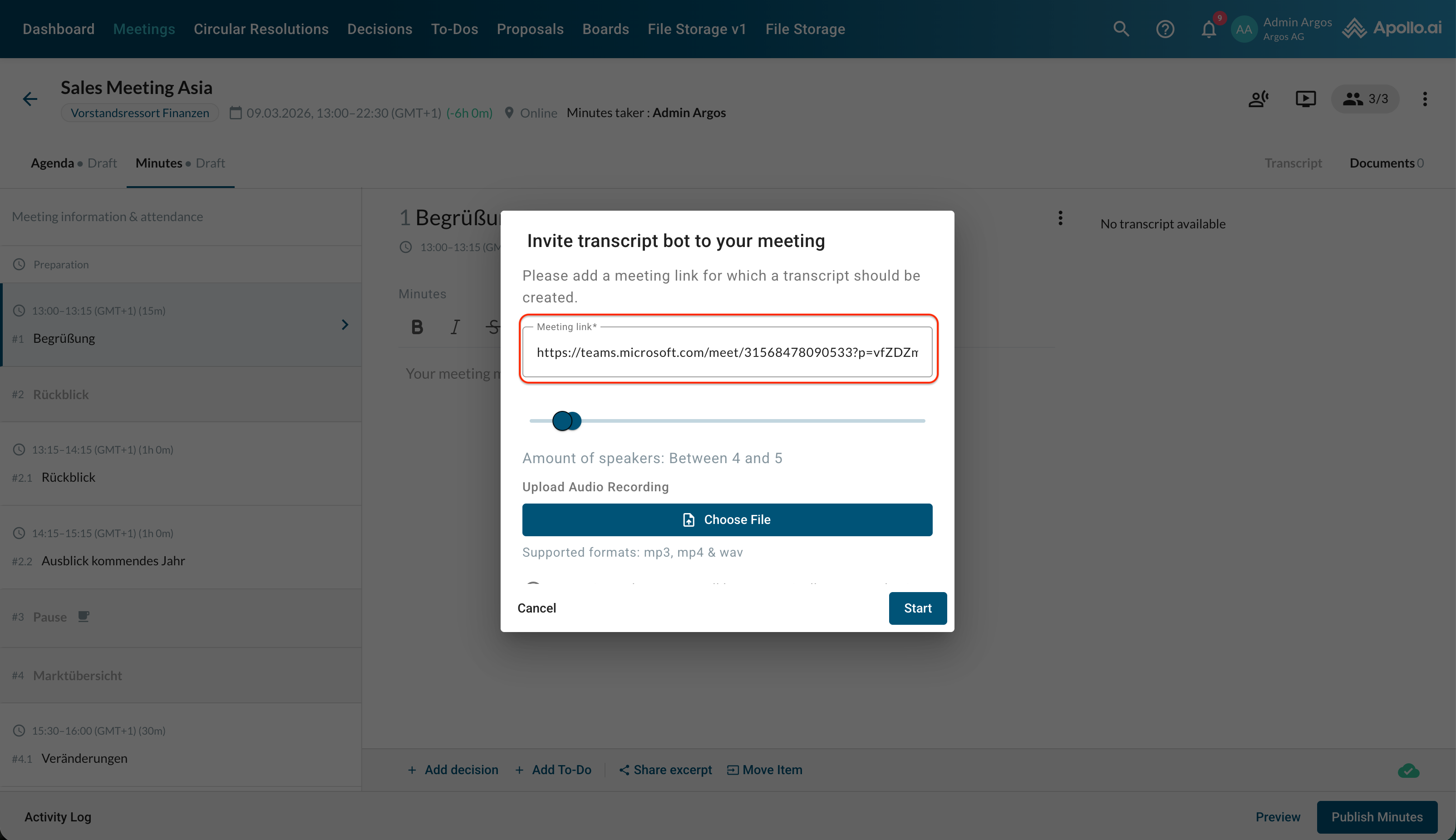
Copy the link to your call and paste it to the corresponding field. If you already added the link when creating or editing the meeting in Apollo, it link will be taken over for the transcript automatically:
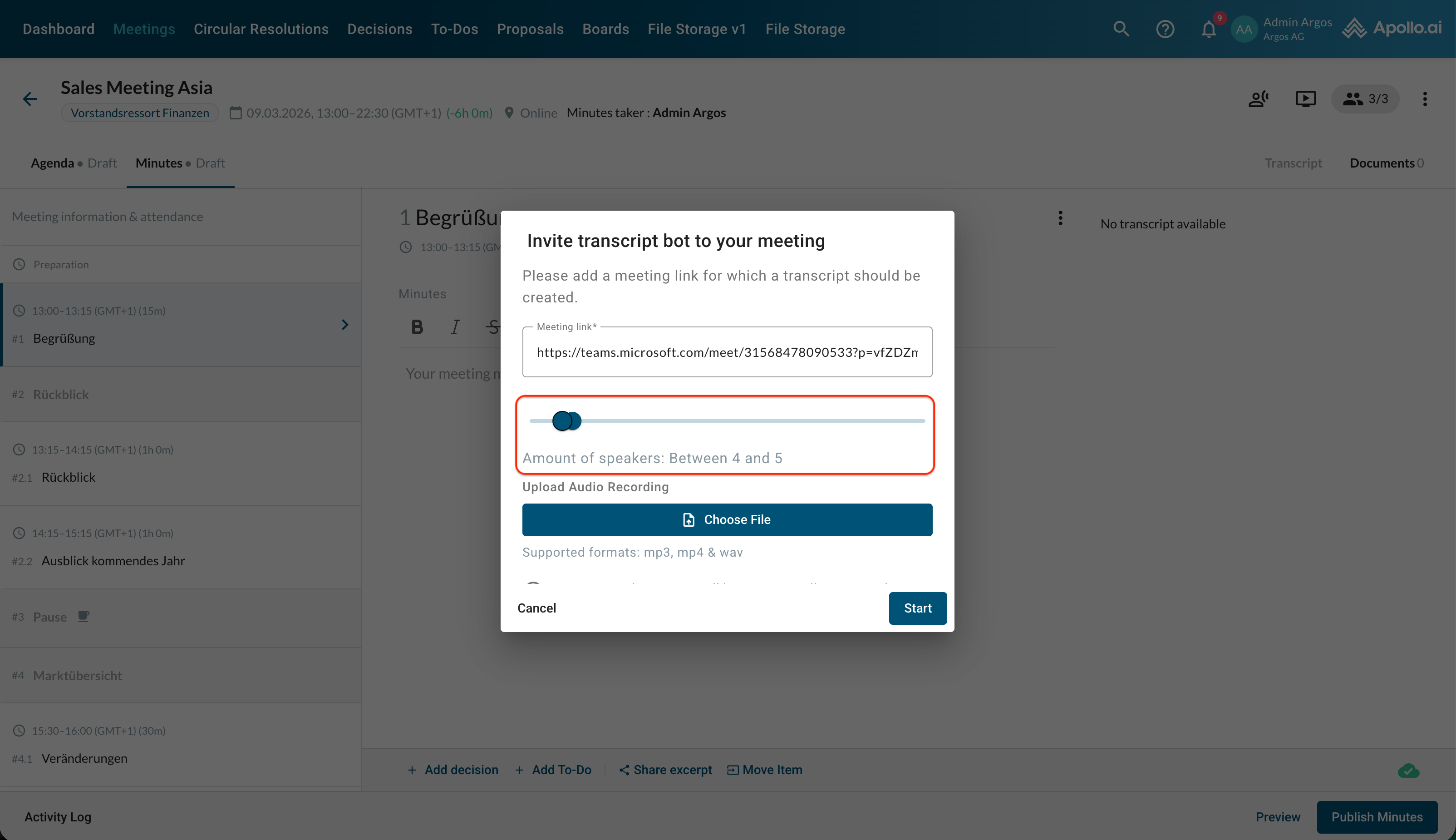
Adjust the number of expected speakers by moving the blue slider handles. The closer the number of speakers matches the actual participants, the more accurate the AI speaker recognition will be:
Click on "Start" in the bottom-right corner to confirm the process and create the AI bot:
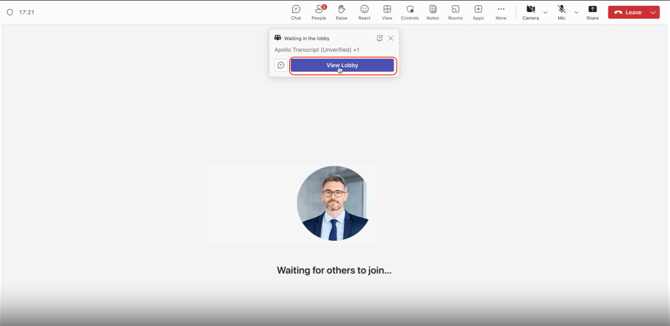
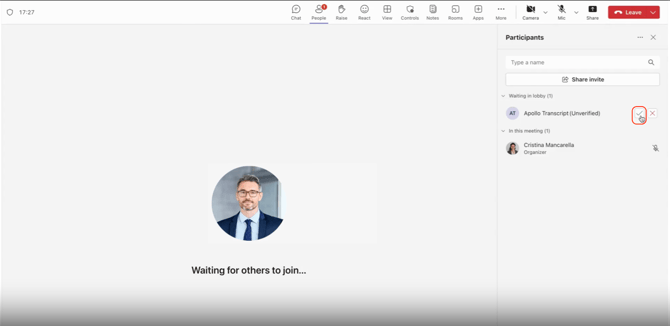
Make sure the bot can access your call to start the recording and transcription:
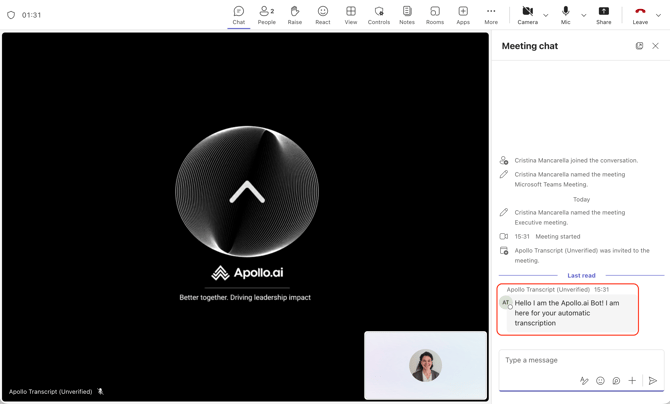
The chat message sent by the bot and the red dot in Apollo next to the transcript icon confirm that the bot has successfully been added to the call:
When the meeting is over, stop the transcription by simply ending the online call.
You can now proceed with the finalisation of the transcript.